

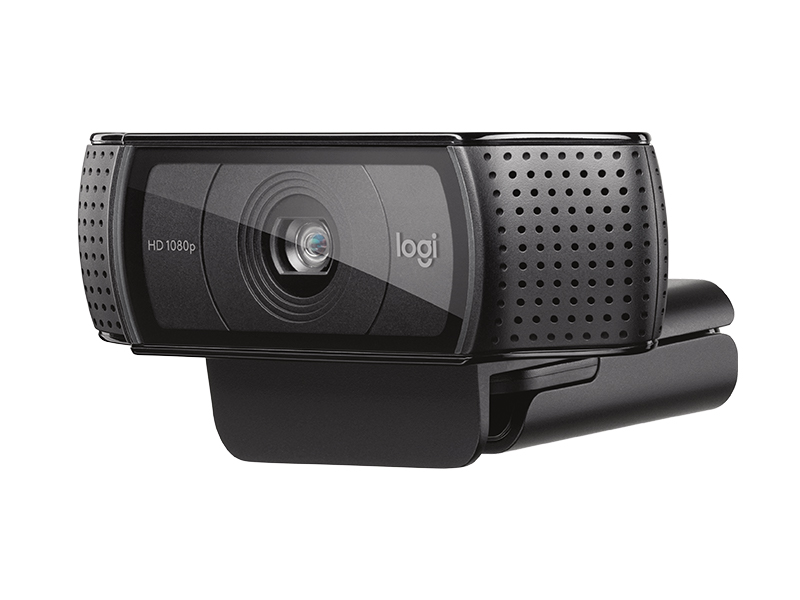
1. Logitech C920
Pros:
- High-Quality Video: 1080p resolution at 30fps provides clear and sharp images.
- Autofocus and Light Correction: Automatic adjustments for focus and lighting ensure good image quality.
- Affordable: Provides good value for the price.
- Versatile Mounting: Can be attached to a monitor, laptop, or used on a tripod.
Cons:
- Fixed Lens: No optical zoom or advanced lens options.
- Limited Field of View: 78 degrees may not be wide enough for some setups.
2. Logitech Brio
Pros:
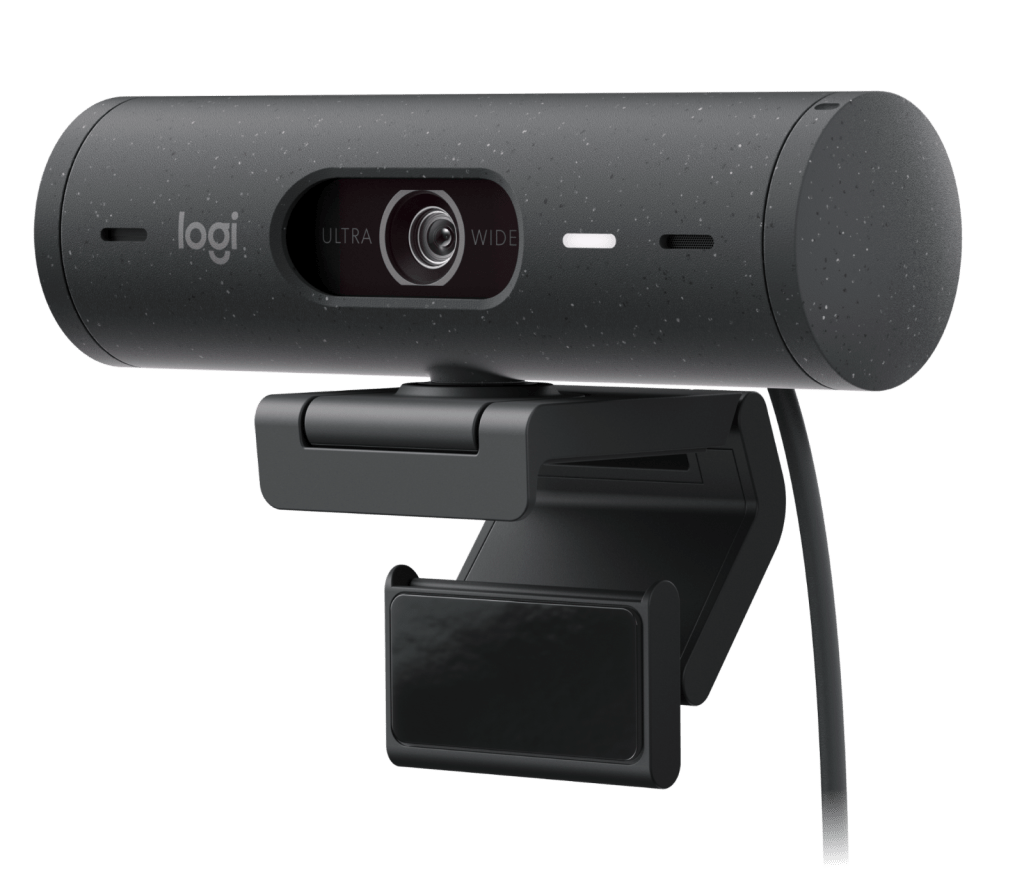
- 4K Resolution: Offers ultra-high-definition video quality.
- HDR Support: High dynamic range for better color and contrast.
- Adjustable Field of View: Options for 65, 78, and 90 degrees.
- Built-in Mic: Dual omnidirectional mics with noise-cancelling.
Cons:
- Price: More expensive than other models.
- Requires Higher Bandwidth: 4K streaming demands more from your internet connection.
3. Razer Kiyo
Pros:
- Integrated Ring Light: Adjustable lighting built into the webcam for better illumination.
- 720p at 60fps: Good for smooth video at a lower resolution, ideal for gaming.
- Affordable: Generally priced competitively.
Cons:
- Lower Resolution: 720p is less sharp compared to 1080p or 4K.
- Lighting Might Not Be Enough: Ring light might not be sufficient for all environments.

4. Elgato Facecam
Pros:
- 1080p at 60fps: High-quality, smooth video with high frame rate.
- Professional-Grade Sensor: Designed for streamers with high image quality in mind.
- No Compression: Direct video feed with minimal compression for better quality.
Cons:
- No Built-in Mic: Requires an external microphone.
- No Autofocus or Low-Light Correction: Manual adjustments needed for focus and lighting.

5. Microsoft LifeCam HD-3000
Pros:
- Affordable: Budget-friendly option.
- 720p Resolution: Decent quality for its price point.
- TrueColor Technology: Automatic color correction.
Cons:
- Lower Resolution: 720p is less detailed compared to 1080p or 4K.
- Limited Features: Fewer advanced features compared to higher-end models.

These webcams cover a range of budgets and needs, so you can choose one based on your specific streaming requirements and budget.



 Top Rated Hub
Leave a comment